Coloring
Pick a drawing and paint with your finger
The bucket fills the tapped area without going over the lines, so even little ones end up with a beautiful picture. Made a mistake? Just undo.
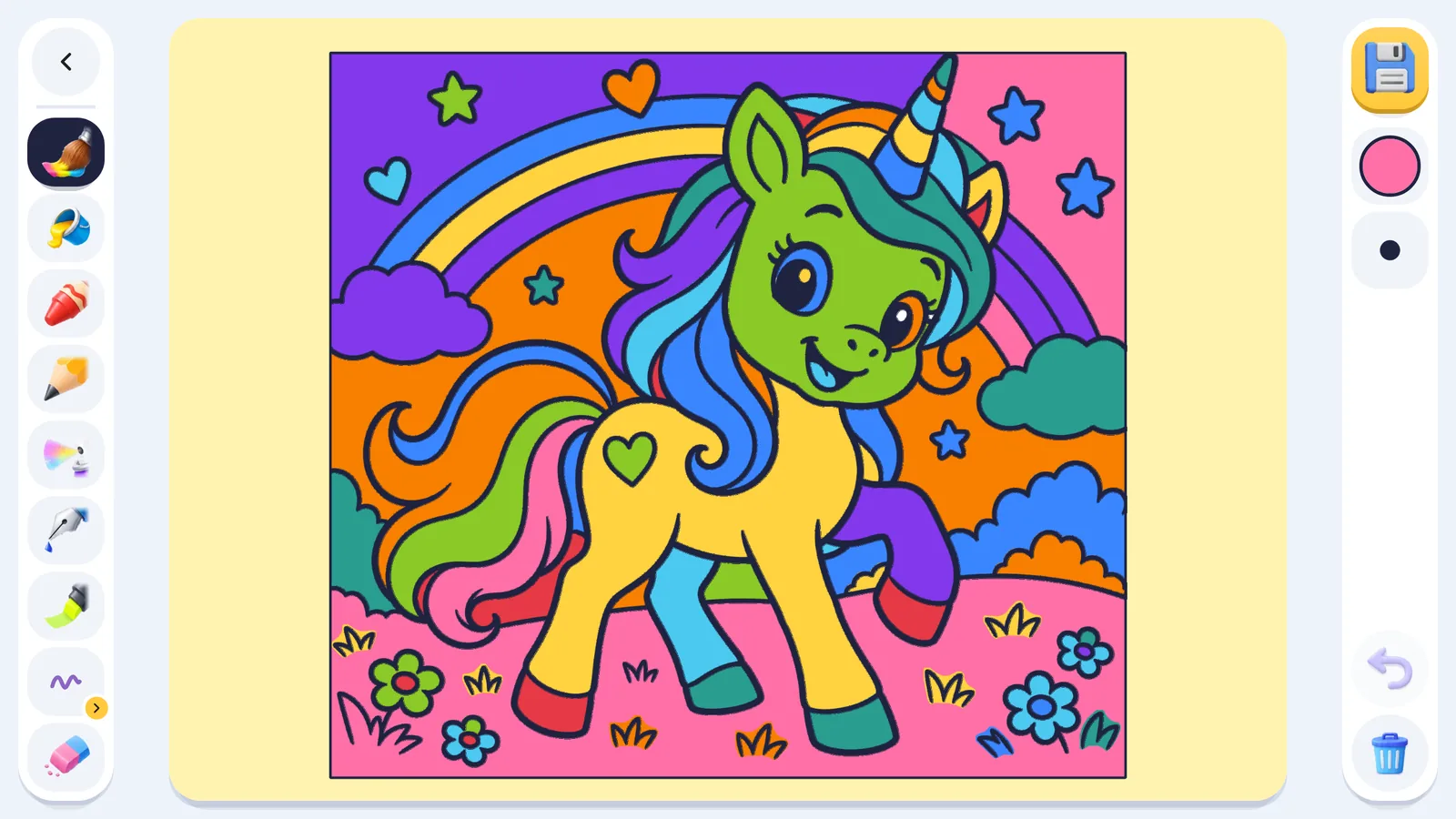
Rirrano Paint is a coloring and drawing app for kids aged 3 to 8. Try it right here: pick a color and tap the picture.
It is the app's first question. Two answers, each on its own big card, easy to find even for kids who can't read yet.
Pick a drawing and paint with your finger
The bucket fills the tapped area without going over the lines, so even little ones end up with a beautiful picture. Made a mistake? Just undo.

A blank page just for you
Paintbrush, crayon, spray, highlighter and more, in three sizes. The page belongs to the child.
Animals, dinosaurs, vehicles, characters, Bible stories and much more, with bold lines and big areas made for small fingers.
 Animals7 pictures
 Bible7 pictures
 Characters11 pictures
 Dinosaurs14 pictures
 Nature4 pictures
 Places3 pictures
 Toys15 pictures
 Vehicles10 pictures
 Other4 pictures
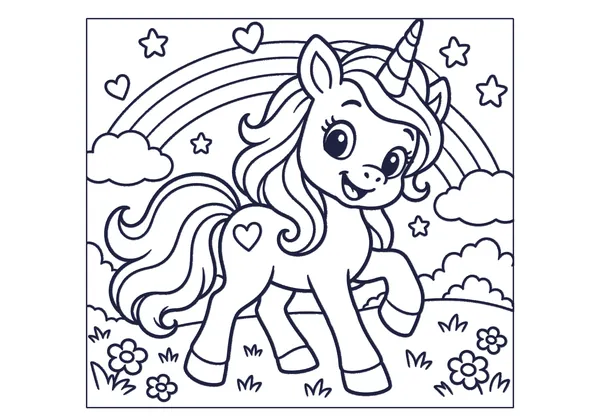
Rainbow unicorn
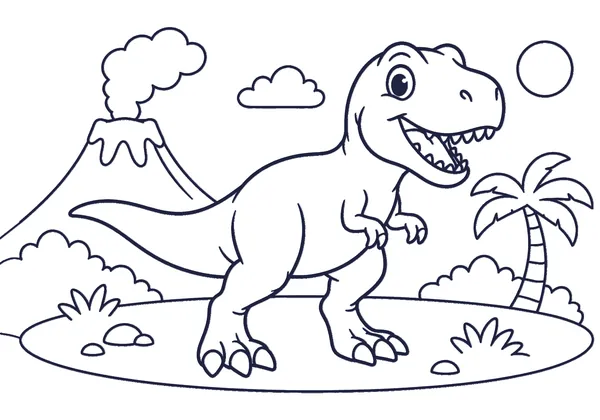
Tyrannosaurus
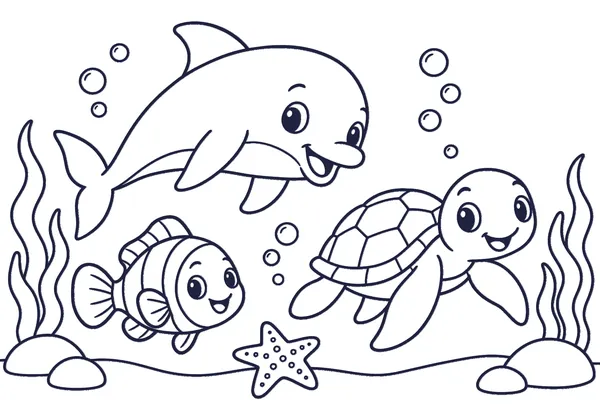
Sea friends
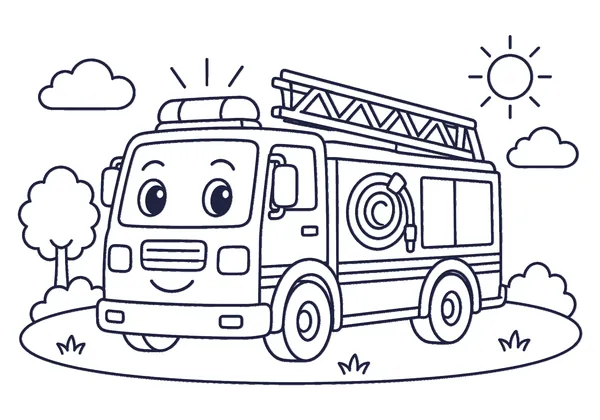
Fire truck
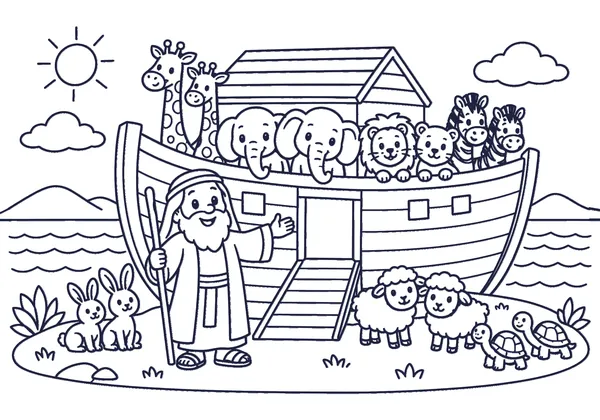
Noah's Ark
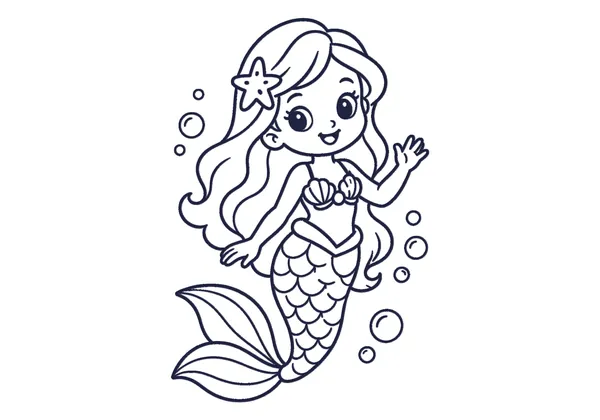
Cute mermaid
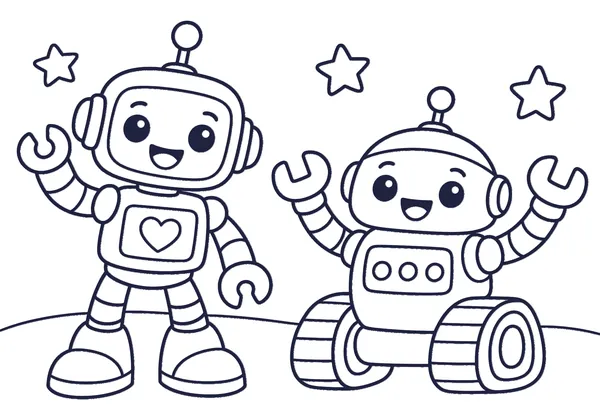
Robot friends

Plane in the clouds
Each tool paints in its own way, and each icon shows the tool's tip, so kids can tell them apart without reading.
 Paintbrush
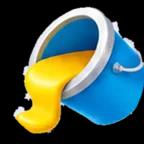 Bucket
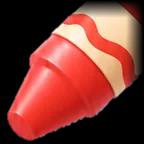 Crayon
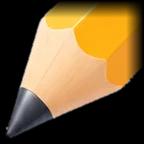 Colored pencil
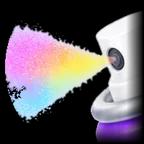 Spray
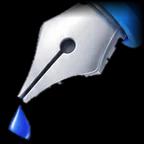 Pen
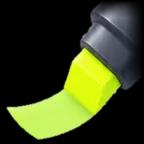 Highlighter
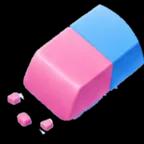 Eraser
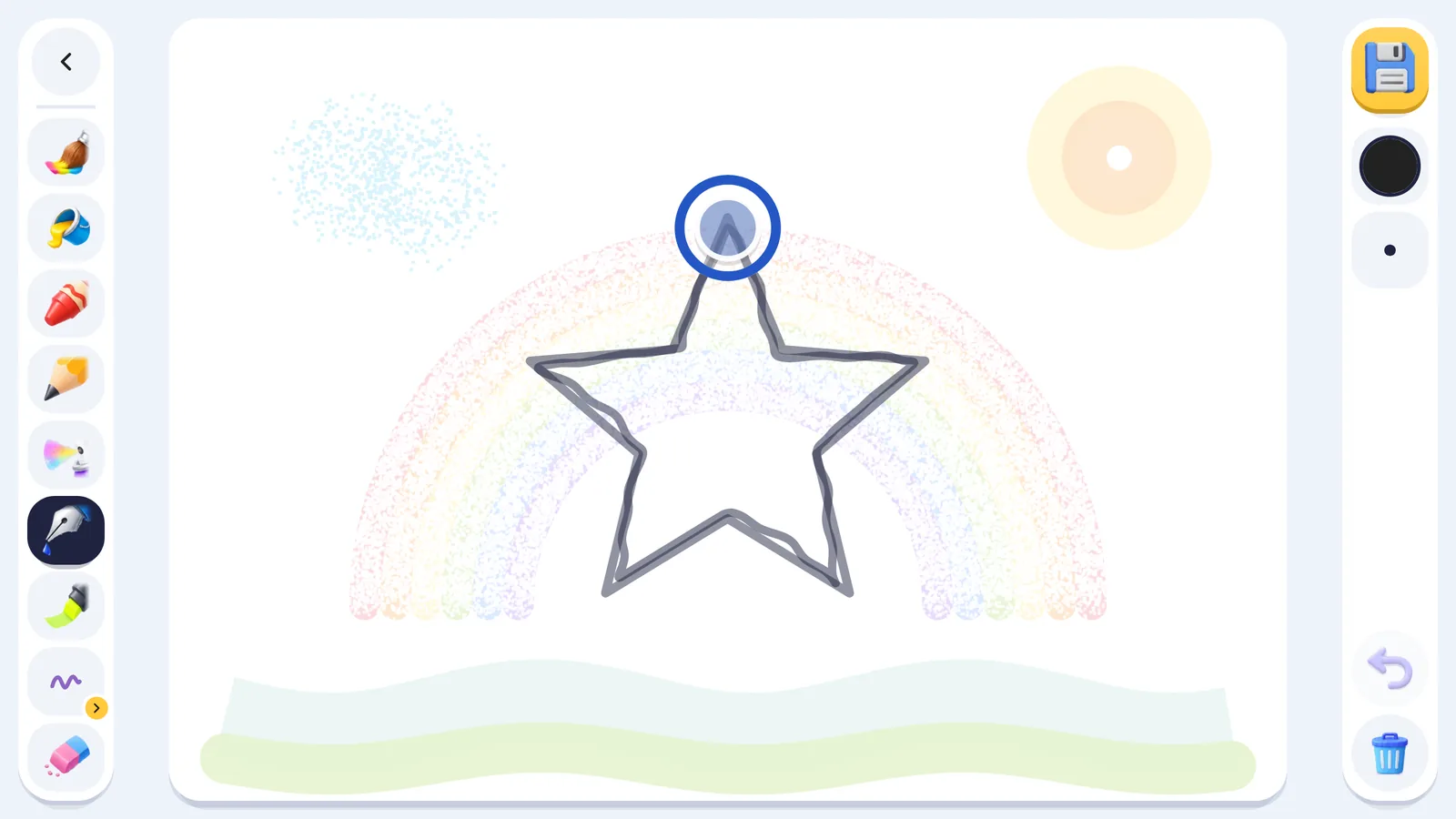
Draw a circle, square, triangle, star, heart or cloud by hand and keep your finger still at the end. A blue ring fills around the finger and the shape becomes perfect.


Solid, pastel, neon, glitter, textures and gradients, each drawer with at least 36 paints, arranged by color.
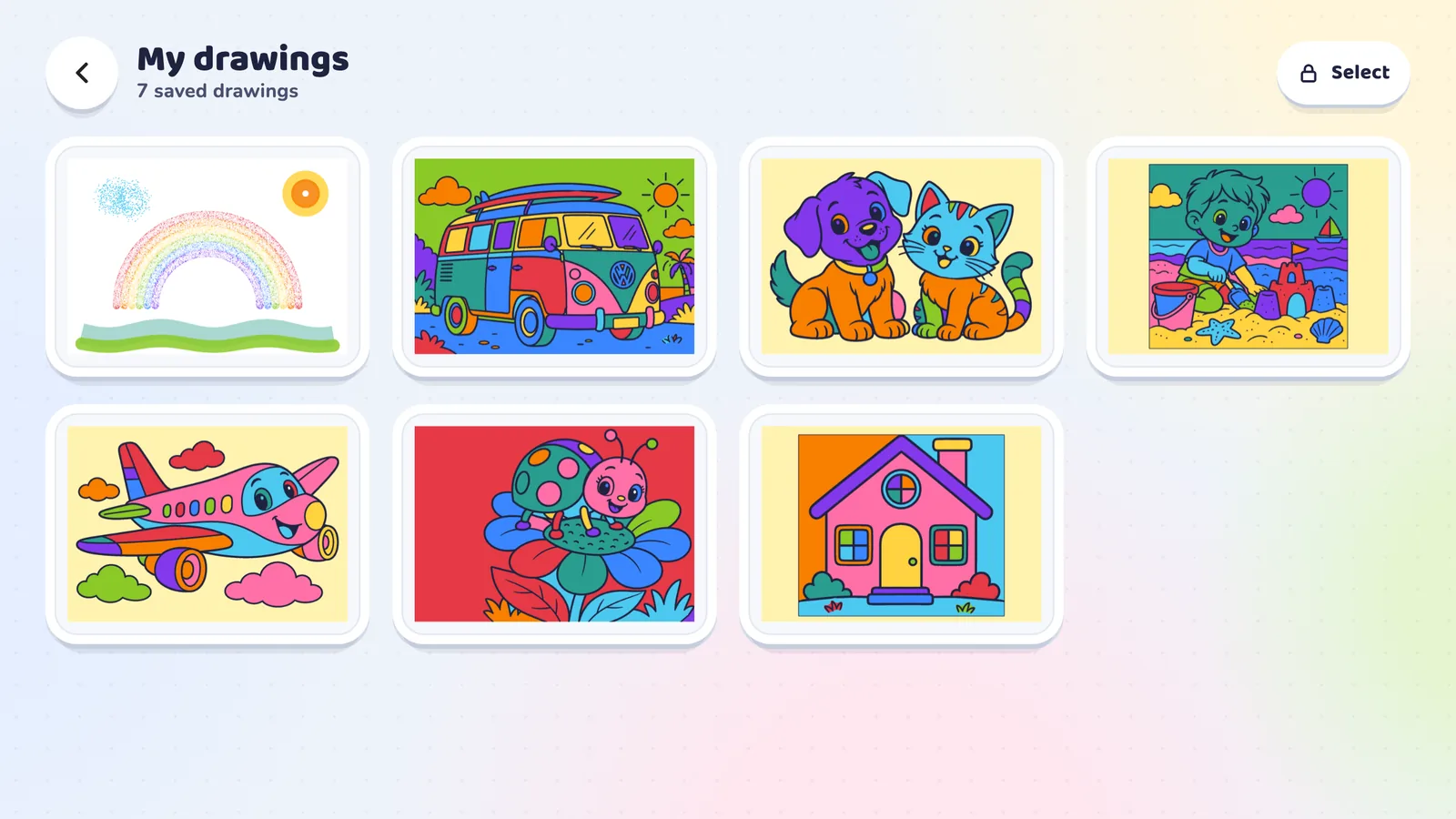
Drawings go to My drawings, the app's gallery, and can be saved to the device's photos.
Closed the app halfway? The drawing comes back where it was, marked Continue.
Saving to the gallery keeps a copy, and the painting stays on the page.
Undo goes back one step at a time, and clearing the page asks you to hold the button.
Grown-up areas sit behind a small sum. The rest of the app belongs to the child.
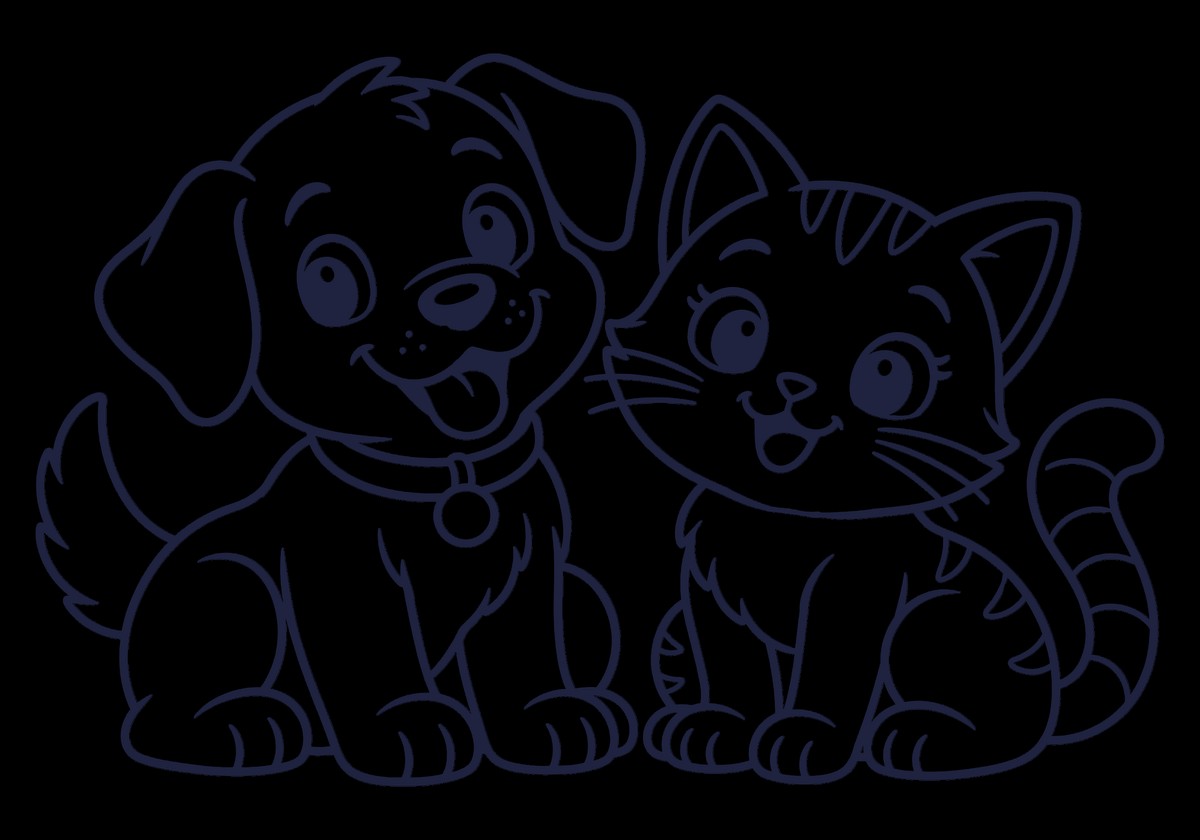
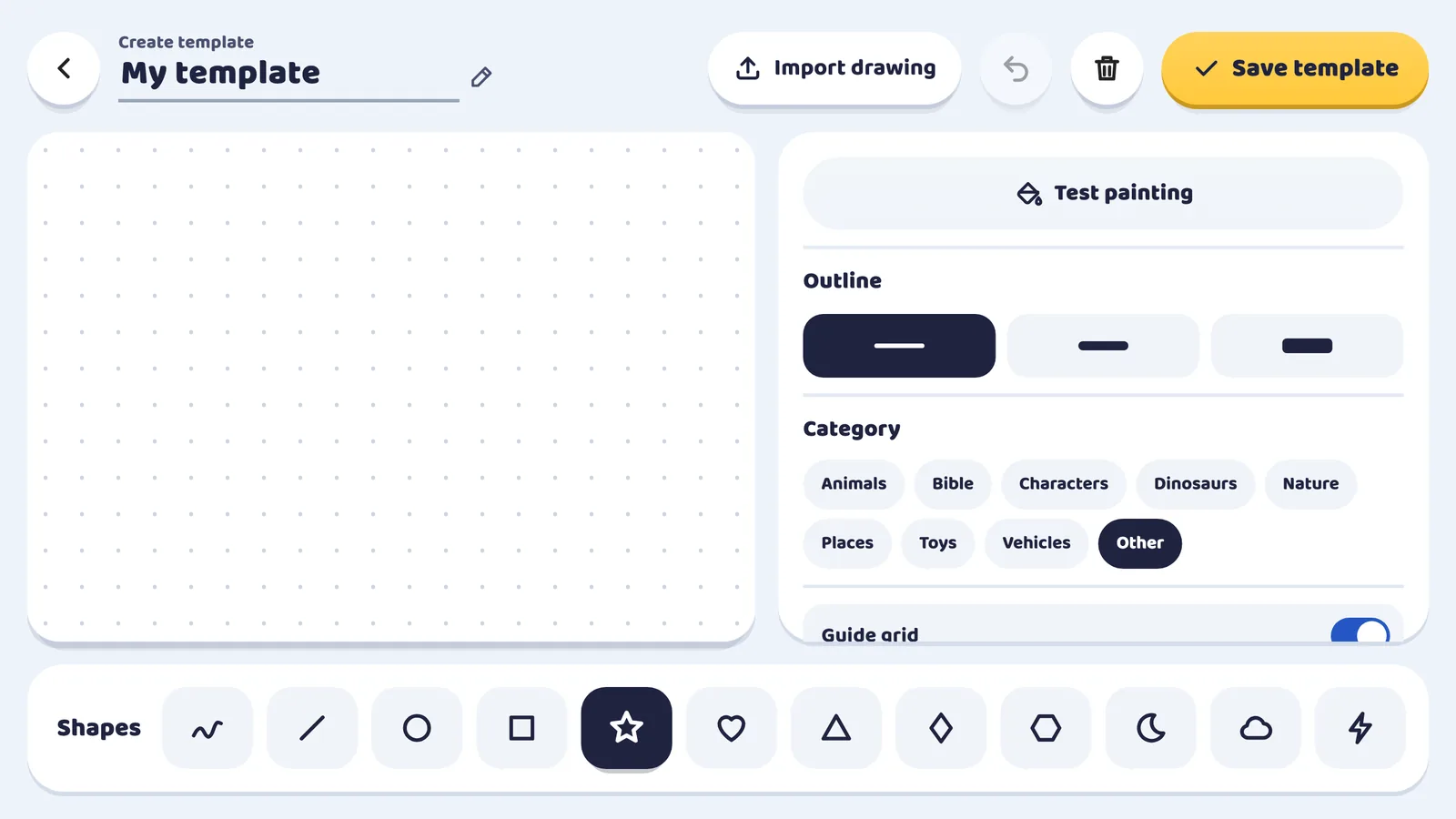
Draw outlines with shapes and freehand lines, or import a photo or picture with black lines. Every closed area becomes an area to paint.
Managing pages, settings, sharing and deleting drawings ask for an addition or subtraction. Back on a child's screen, everything locks again.
Favorite, duplicate, edit and delete pages. Choose the app's language from the five available.
 Português
 English
 Español
 Français
 Deutsch
No ads
No advertising, on any screen.
No purchases
Nothing to buy inside the app.
No account
No sign-up, no login, no email.
No data collection
Everything stays on the device. The app sends nothing out.
Questions, ideas for pictures, something that didn't work or a proposal for your school: your message goes straight to the people who make the app.